
What Does It Cost to Build a Mobile App?
The build is the part people budget for. Review cycles, store accounts, updates and maintenance are the parts that surprise them.
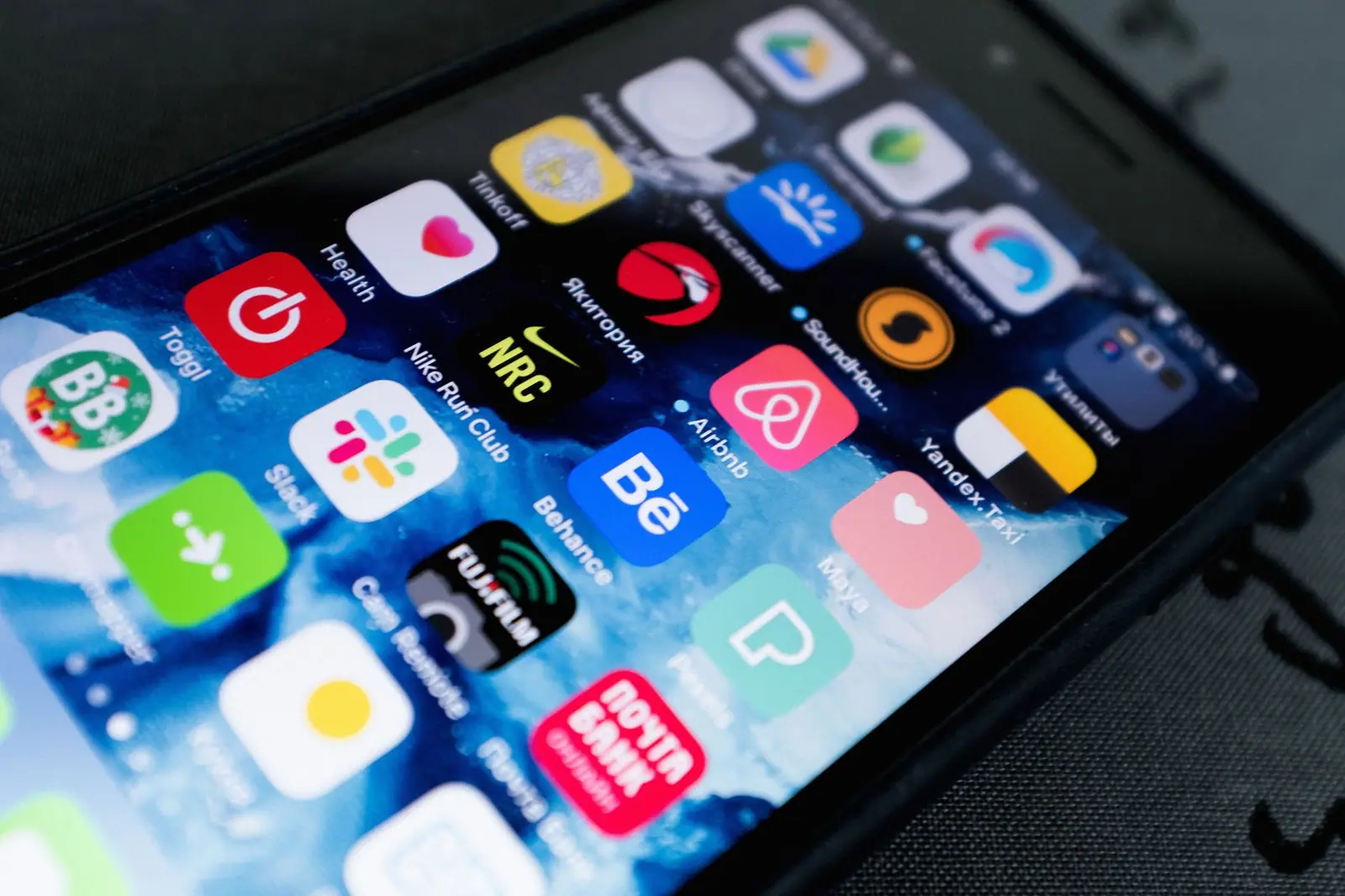
The question is always the same and the honest answer is unsatisfying, because an app can mean a week of work or a year of it. What is useful is knowing which decisions move the number and which costs continue after launch.
One codebase or two
The first real decision. Native means writing separately for iOS and Android in each platform's own language. Cross-platform means one codebase producing both.
Native gives you the best possible performance and immediate access to new platform features. It costs roughly twice as much to build and maintain, because everything is done twice.
Cross-platform is considerably cheaper and good enough for most business apps. Where it struggles is heavy graphics, intensive real-time processing, and anything depending on a platform capability released last week.
For a typical business app, cross-platform is the sensible default. For a game or something built around the camera, it usually is not.
The app is the visible half
Almost every app needs a server. Accounts, data storage, syncing between devices, notifications, admin tools.
People budget for the app and forget the backend, then discover halfway through that the larger part of the work is the part they cannot see.
If a web version already exists with an API, some of this is done. If not, it is a project of its own running alongside the app.
Store accounts and the review process
Both stores charge for a developer account. One is an annual fee, the other a one-off. Small numbers, but they exist and the enrolment for a company account takes longer than people plan for, because it requires business verification.
Then there is review. Submitting is not publishing. A human or an automated process checks the app and it can be rejected.
Common rejection reasons are worth knowing in advance. A missing or unreachable privacy policy. Requiring a login to see anything at all, with no way for a reviewer to get in. Placeholder content. Functionality that duplicates the website with nothing added. Using the wrong purchase mechanism for the type of thing being sold.
Budget for at least one rejection. Assuming a clean first pass is how launch dates get missed.
Privacy disclosure is mandatory
Both stores require a privacy policy at a public URL and a declaration of what data the app collects and why.
The declaration has to match what the app actually does. If it says no data is collected while an analytics library is running, that is a rejection at best.
Anything you add later that touches data means updating the declaration. It is not a launch-day task you complete once.
In-app purchases change the maths
If you sell digital content or subscriptions consumed inside the app, the stores generally require their own purchase mechanism and take a percentage.
If you sell physical goods or services consumed outside the app, you can use your own payment stack.
The boundary is not always obvious and misreading it gets apps rejected. Settle this before development starts, because whether you are paying a store percentage materially affects your pricing.
Notifications are more work than they look
Push notifications are the most valuable thing an app has over a website, and setting them up involves several moving parts. Server infrastructure, platform certificates and the user's permission.
Without permission there are no notifications, so when you ask matters. Asking on first launch produces the lowest acceptance rate of any moment you could choose. Asking after the user has seen why it would help them does much better.
Then there is fatigue. Apps that notify too often get muted or deleted, and neither shows up in your analytics as a notification problem.
Store visibility
Publishing does not mean being found. Stores have their own search and ranking in it is separate work.
Title, subtitle and description all feed that search. Screenshots drive the install decision, and the first two are all most people see.
Ratings matter too. A low rating suppresses both ranking and installs. There is a right moment to ask for a rating and it is not the first launch, it is after the app has demonstrably done something useful.
None of this is in the development budget and all of it affects whether the work pays off.
A realistic timeline
For a straightforward business app with accounts, a handful of screens and a backend, plan in months rather than weeks.
Design and specification first. Then development, which is the long middle. Then testing on real devices, which always uncovers more than testing in a simulator. Then store submission and review.
Add contingency for the review round trip and for the device-specific problems that only appear on hardware.
Version management is not like the web
On the web you deploy and everyone has the new version. With apps, users are on whatever version they last updated to, and some never update.
That has two consequences. Your server has to keep working with older app versions for a long time, and a bug in a released version cannot be fixed instantly, because the fix goes through review.
Plan for a way to force an update when something is seriously wrong, and treat every release as something you will support for a while.
What it costs after launch
This is the part that gets left out of budgets entirely.
Both platforms release a major version every year, and each one breaks something. Libraries need updating. Store requirements change and apps that do not comply get pulled.
Server costs continue. Notification infrastructure continues. Support continues.
An app that nobody maintains stops working within a couple of years, quietly and then all at once. Budget for maintenance from the start or do not build the app.
Testing on real devices
Simulators are fast and they lie. Performance, camera behaviour, notification delivery and battery use all differ on hardware.
You do not need every phone, you need a spread. A current flagship, something mid-range and a few years old, and both platforms. The old mid-range device is where problems surface, and it is closer to what many of your users are holding.
Test on a real network too, not only on office wifi. An app that assumes a fast connection behaves badly on a train.
Do you actually need one
The honest question, asked too rarely.
If the thing you want is content, a good mobile site does it. People do not install apps to read.
An app earns its place when you need something the browser cannot do well. Notifications, offline use, camera or sensor access, or genuine repeat daily use.
If none of those apply, the money is better spent making the site fast and good on a phone.
How to approach it
Write down the one thing the app must do. Not the roadmap, the single core action.
Build that and release it. Everything else waits for evidence that people use the first thing.
Apps that try to launch complete take longer, cost more, and usually contain several features nobody opens.
Erdeniz Kurtuluş
Co-founder at Erbeon
Expertise topics related to this article